Andova remote care

Stay close. Stay informed. in control.

Ensure your child’s digital safety with ease. Our parental control platform provides clear insights into device usage, including screen time, location, app activity, and browsing activity and more, in Real-Time. All you need is just your Phone.

"It is powerful. Be a responsible user."

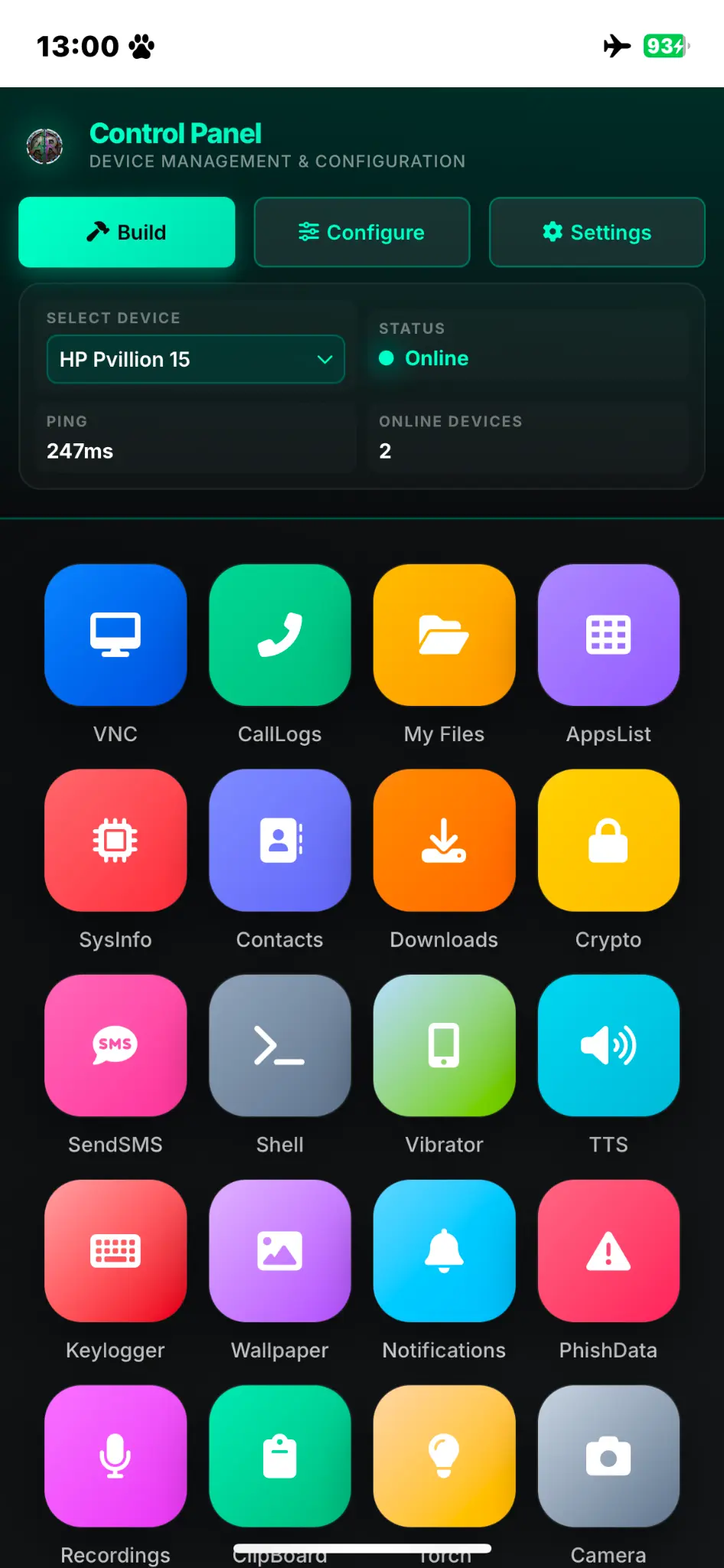
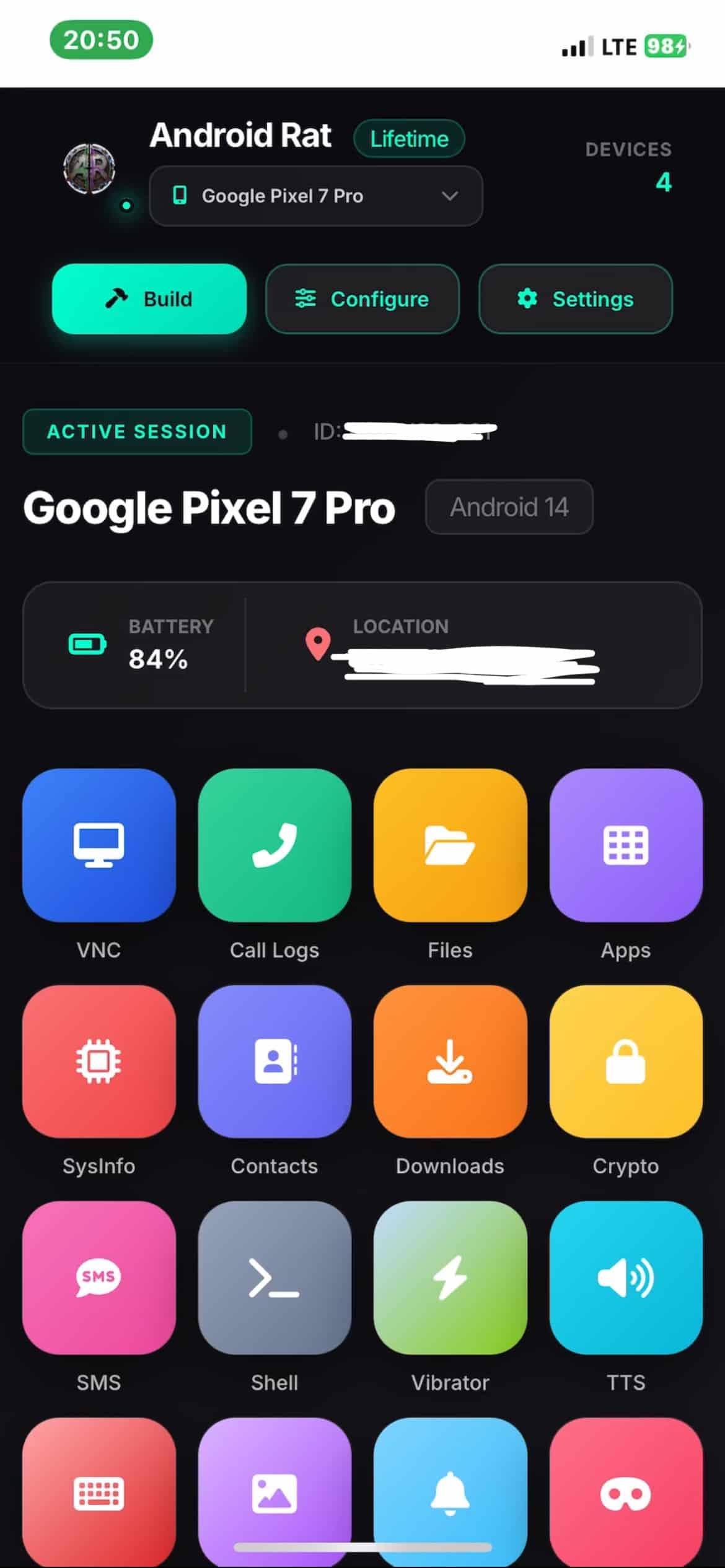
Andova mobile control panel
A clearer view

Everything you need,
in one place.

Andova helps you stay connected to the smartphones that matter to you. Whether you are a parent checking on your child's phone, a partner staying connected, or simply managing a device from somewhere else, Andova keeps the important tools close at hand.

01
For family Keep an eye on your child's smartphone and stay informed about their device.
02
Stay connected Check in on a connected smartphone and access useful device tools from afar.
03
From anywhere Manage and monitor a connected Android device remotely, whenever you need to.
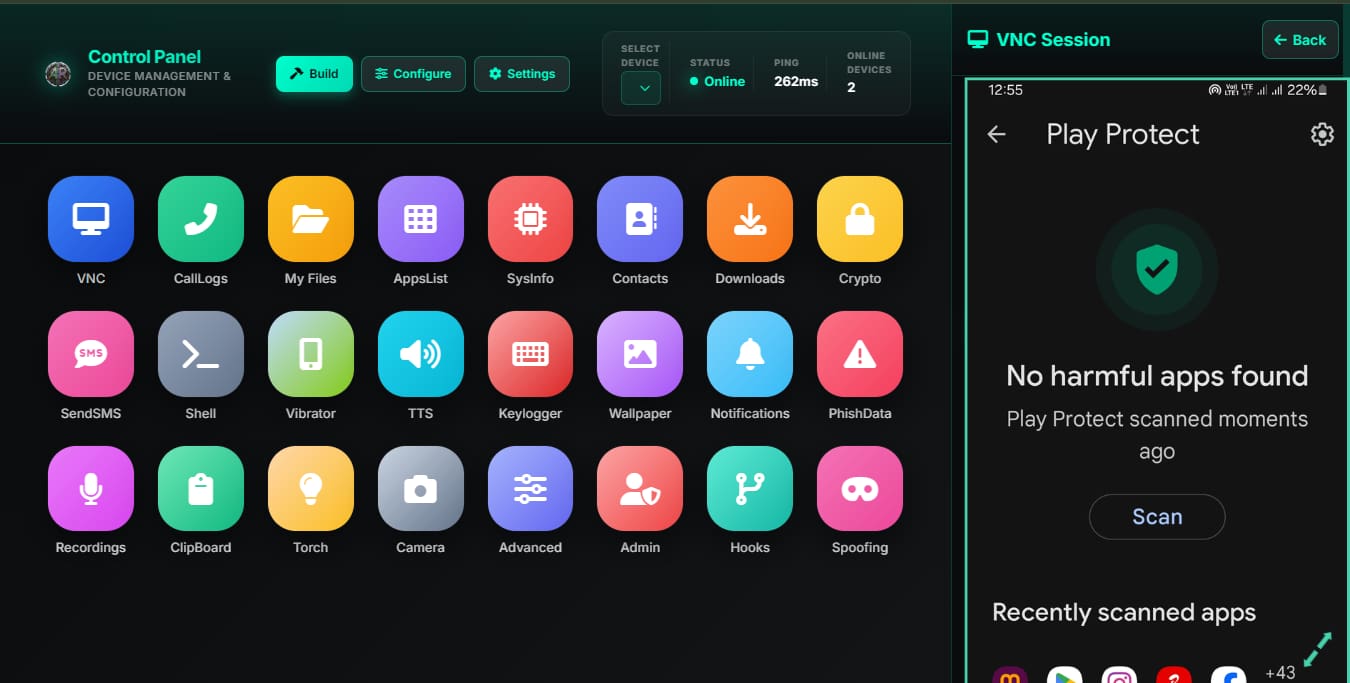
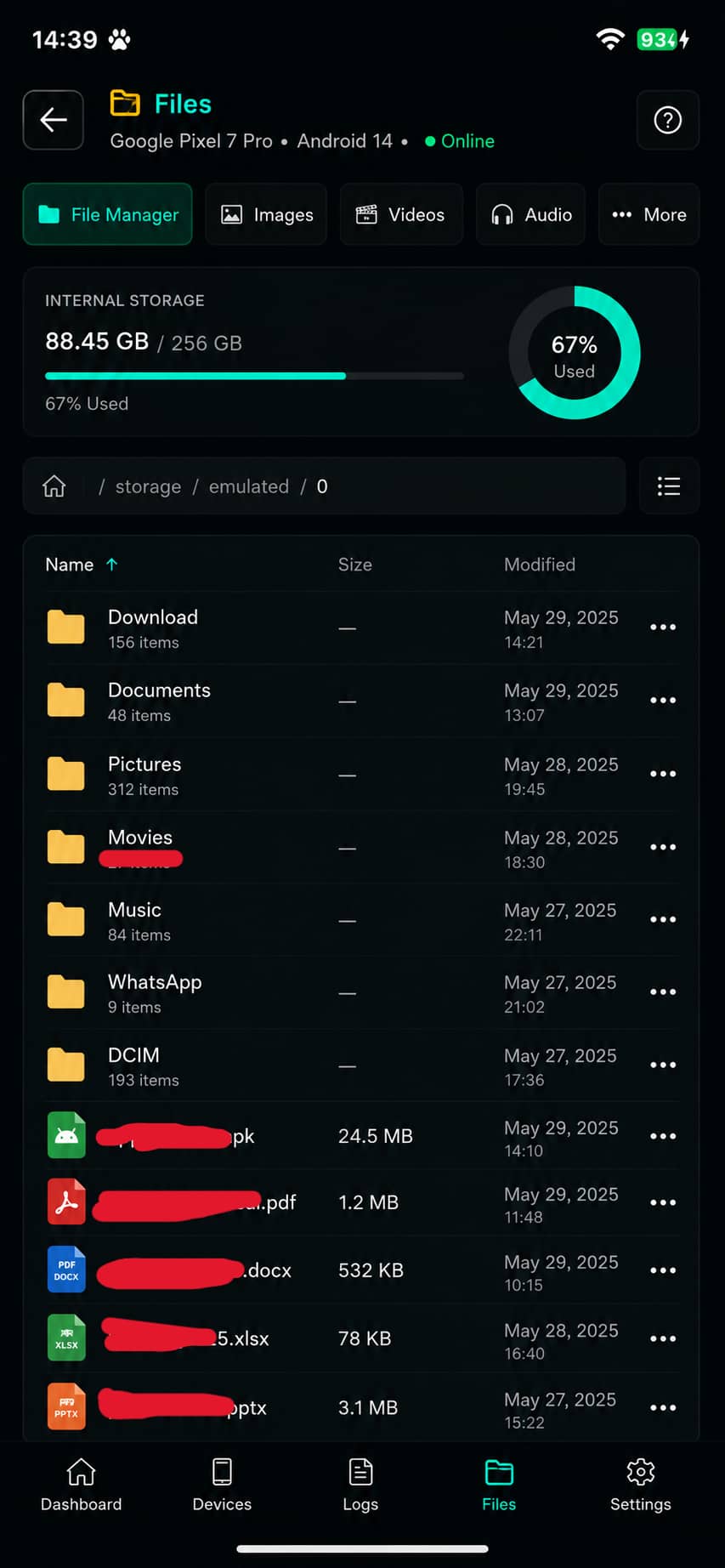
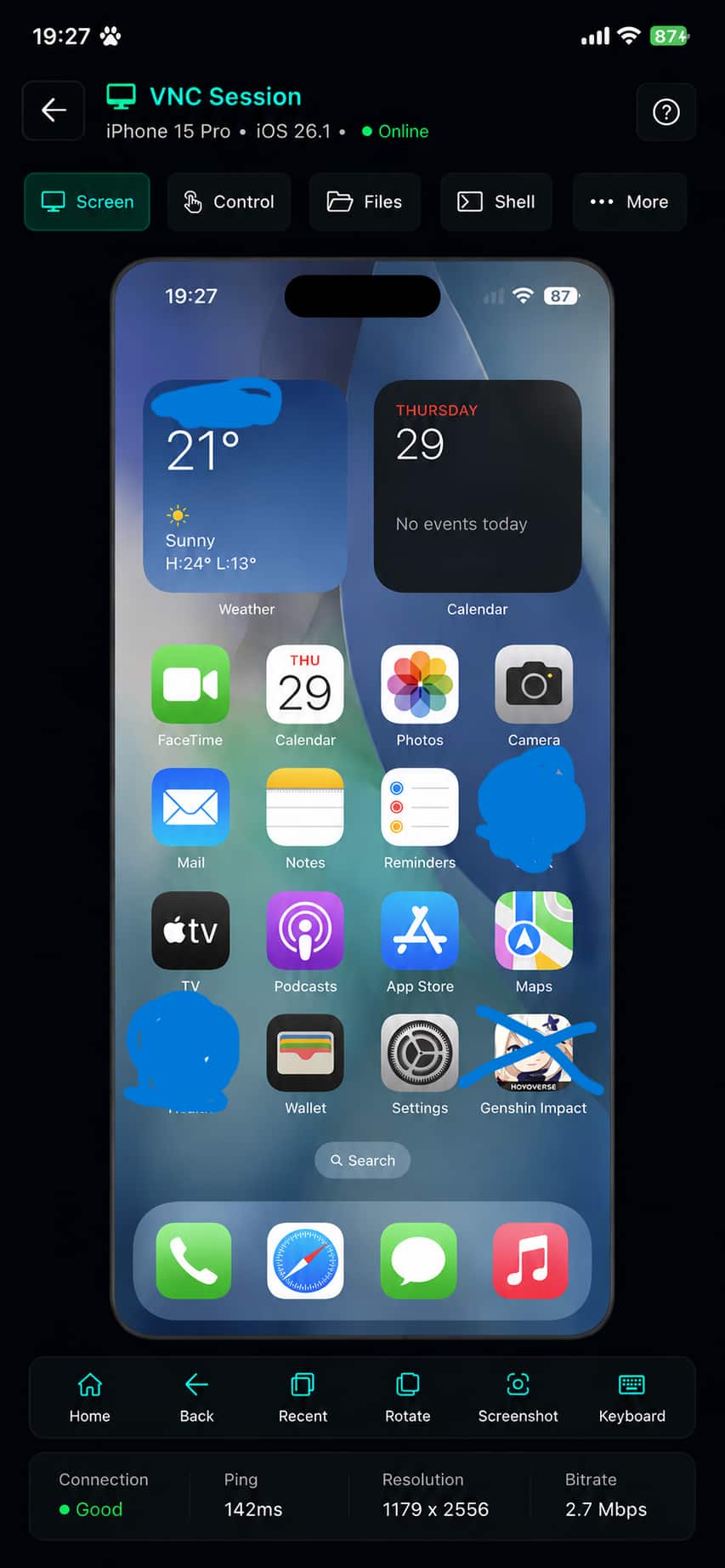
Parental Control dashboard for remote administration and security audits

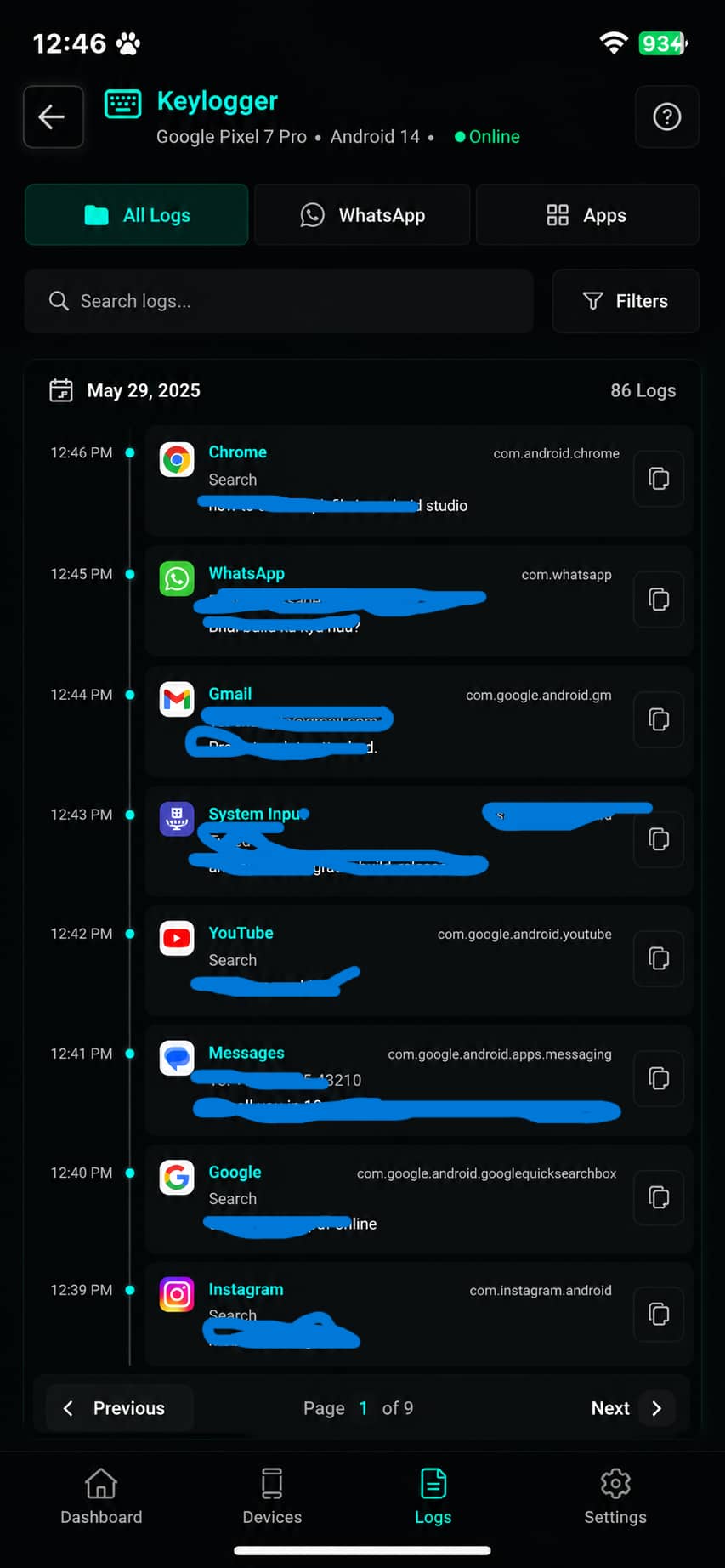
Next-Gen Monitoring

Experience the beautiful GUI based logs instantly. Real-time insights and seamless device management at your fingertips.

Features:
Capabilities

Everything you need.
Nothing you don't.

Andova keeps the useful tools for a connected device together, so checking in feels simple.

01

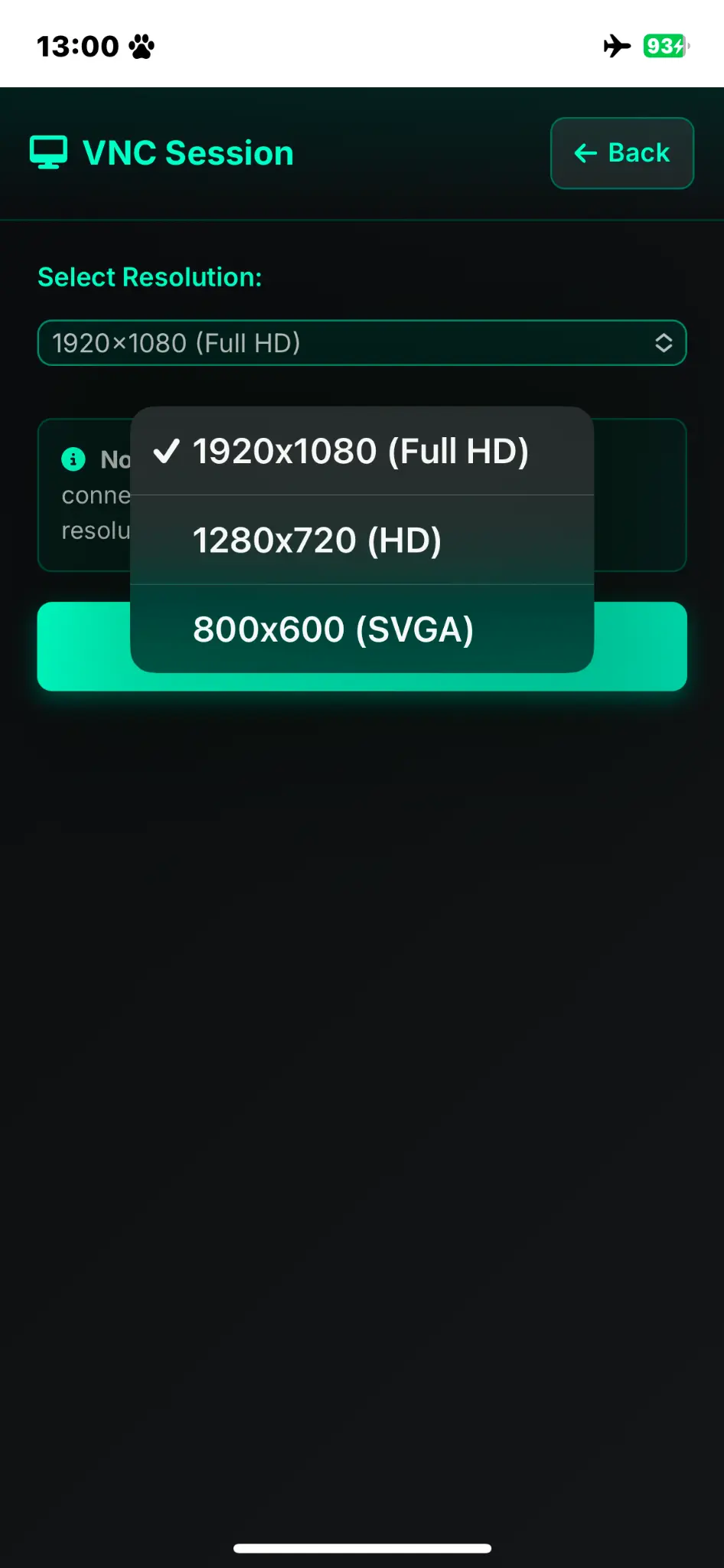
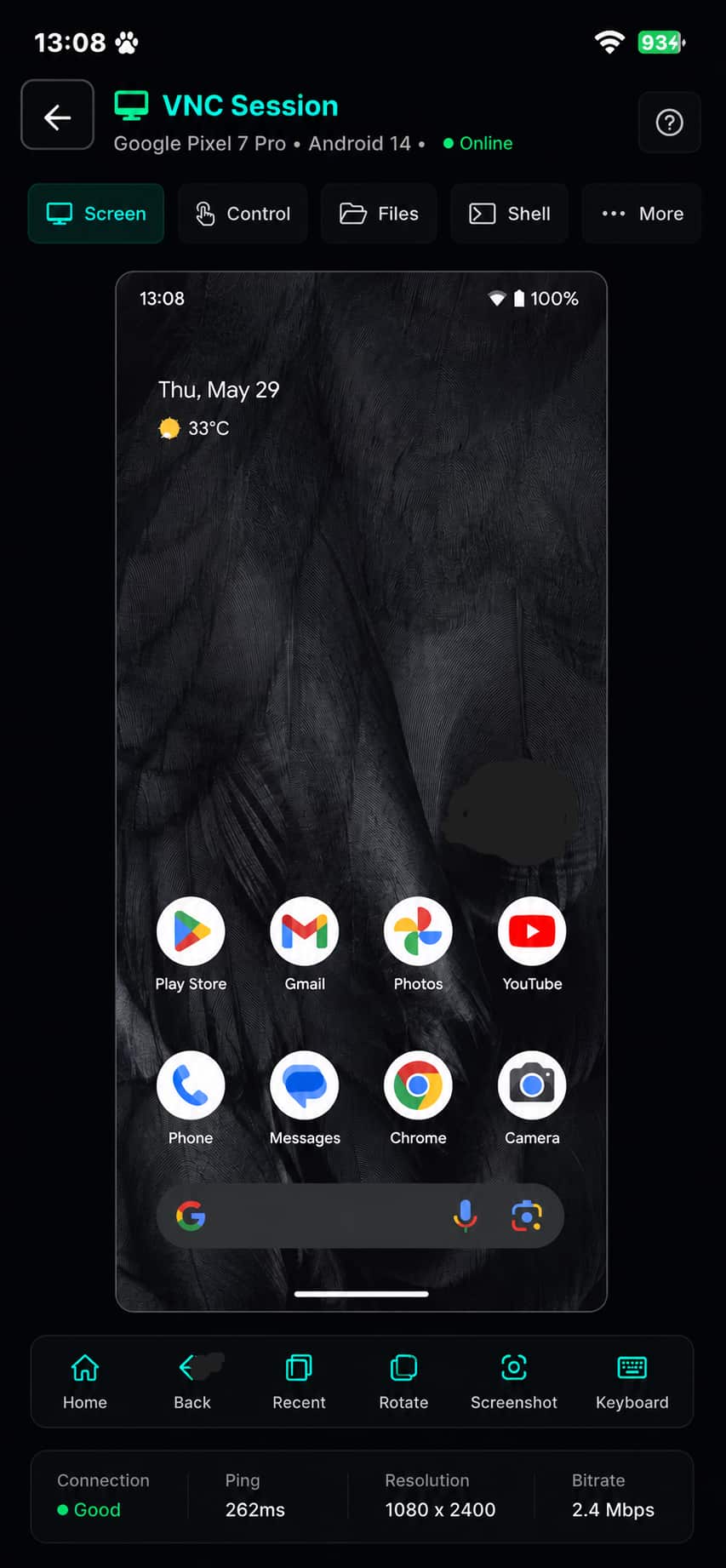
📱 Live Screen View

Live Screen View

↗
02

📦 Dump Data

Dump Data

↗
03

📞 View Call Logs

View Call Logs

↗
04

📱 Manage Apps

Manage Apps

↗
05

⚙️ System Info

System Info

↗
06

👥 Contacts

Contacts

↗
07

🎧 Audio Control

Audio Control

↗
08

📁 File Manager

File Manager

↗
09

💬 SMS Control

SMS Control

↗
10

⌨️ Instant Keylo*s

Instant Keylo*s

↗
11

🖼️ Wallpaper Modification

Wallpaper Modification

↗
12

🔔 Notifications

Notifications

↗
13

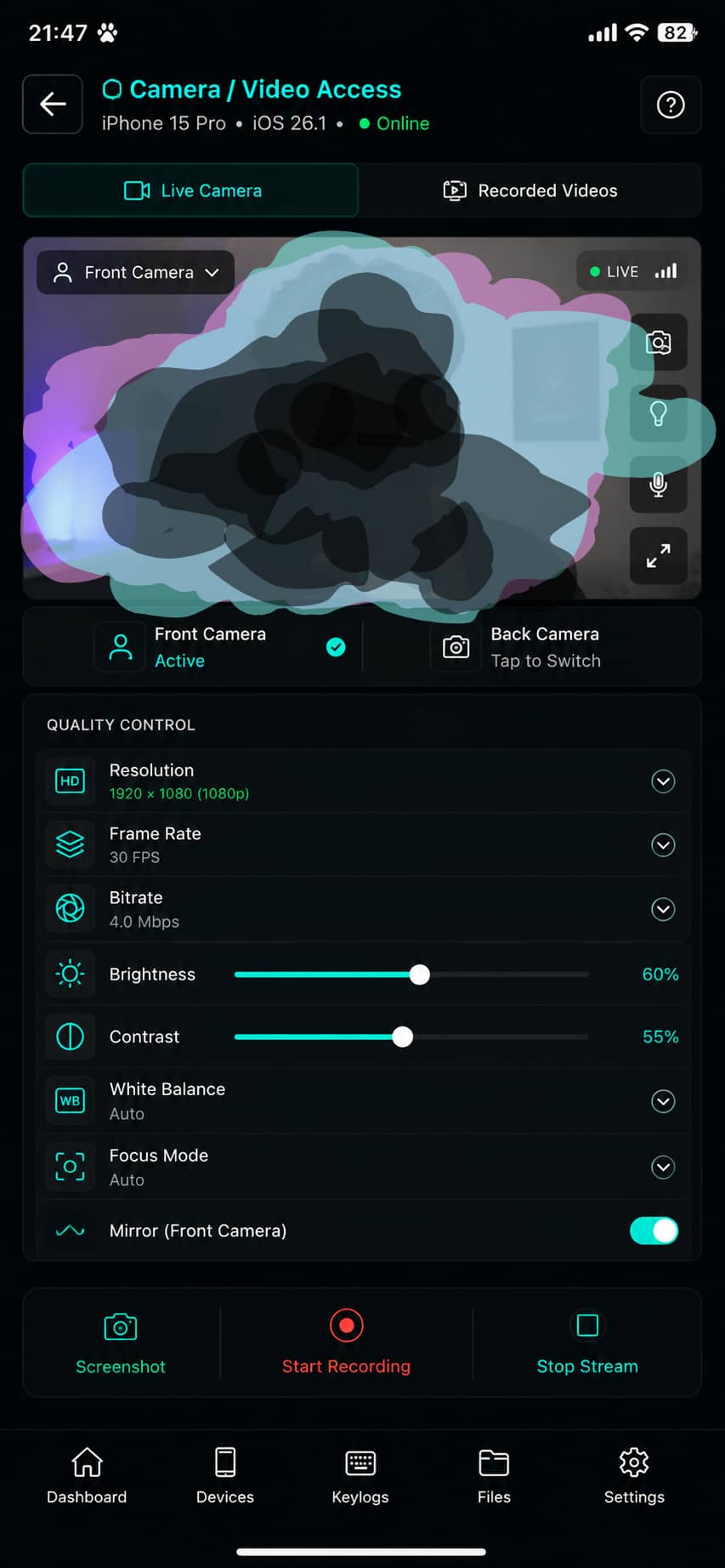
📷 Live Camera Access (Front/Back)

Live Camera Access (Front/Back)

↗
14

🌐 Launch URL

Launch URL

↗
15

📂 Downloads

Downloads

↗
16

🔒 Encryption

Encryption

↗
17

🔬 Advanced Tools

Advanced Tools

↗
18

👑 Admin Panel

Admin Panel

↗
19

🎙️ Recording

Recording

↗
20

📋 Clipboard

Clipboard

↗
21

🔦 Torch Control

Torch Control

↗
22

🎣 ☠️ Tools

☠️ Tools

↗
23

🪝 Hooks

Hooks

↗
24

📳 Vibration

Vibration

↗
25

🗣️ Text-to-Speech

Text-to-Speech

↗
26

More

More

↗
How it works

Four simple steps.

Set up your authorized device and manage it from one place.

01
Start

Log in

Log in to the Andova Dashboard with your email and password.

02
Prepare

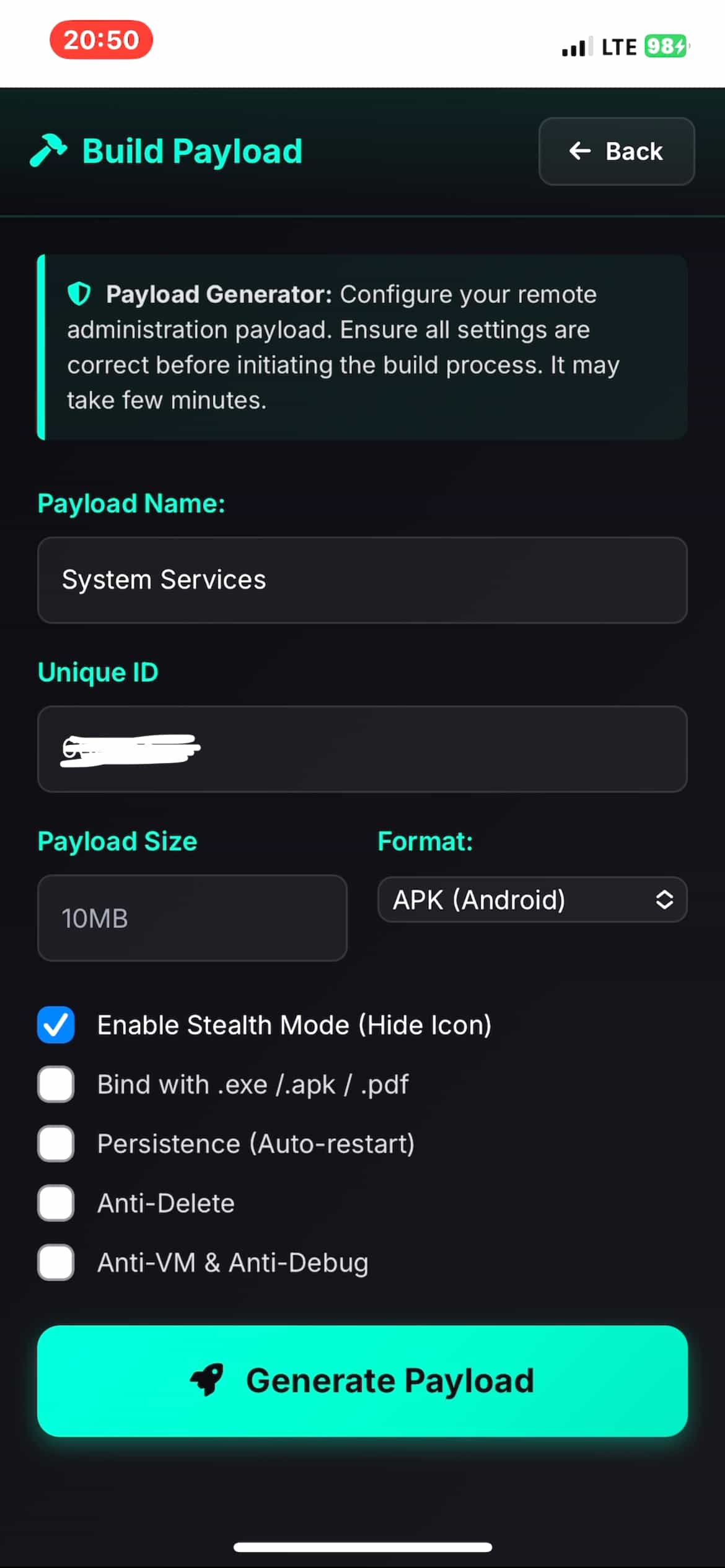
Build

Open Build and create the device app with your required configuration.

03
Connect

Install & Pair

Install it on an authorized Android device and complete pairing and permission setup.

04
Manage

Manage

Once paired, the device appears in Dashboard so you can use its available management features.

Select Plan

Choose the level of control that fits your needs.

Beginner's Choice
Premium
$19.75
7 Months Access
  • All Features
  • Fully Loaded (Android + Windows)
  • 10 Devices only
  • Limited Bandwidth (6GB/Month)
  • Priority 24/7 support
Lifetime
$49.50
Permanent Access
  • All RATs (Android, iOS, Windows)
  • Complete source code access
  • Custom modifications
  • Priority 24/7 support + (Private Group)
  • Unlimited Bandwidth
  • Lifetime updates
  • No renewal needed
Complete Package
Course
$79.25
Permanent + Course
  • Full RAT access (All platforms)
  • Complete making course
  • Video tutorials & guides
  • Build from scratch
  • Private Workshop access

Want to leave your message?

Complete Payment

Create your Email and Password which you can use to login the Admin panel.

8+ chars
Uppercase
Number
Special char

Payment Details

Plan - $0

Access to the tool and all resources will be granted upon successful payment. Click Verify to activate your email and password and continue.

Andova
User count: Loading...

Only Verified users can log in.

Your security is our highest priority.
Unauthorized access is strictly forbidden.

Pick any plan to access.

Choose a plan that suits you and
unlock all the premium features.

Admin Panel ⚙️

Please sign in to proceed

Verified users only
Private